A Qminder alternative that does not start at $429
Qminder is a polished product for front desks that have a budget line for hardware: check-in on an iPad, a waiting room screen on an Apple TV, plans that start in the hundreds and grow with every user you add. If that fits your organisation, it is a good tool. If you are a single clinic or a branch office, you are paying enterprise pricing for a queue.
Qminder starts at $429 a month for ten users, prices per user rather than per location, and runs check-in on an iPad with the waiting room screen on an Apple TV. Minutka is free for one or two desks and $49 a month for 10 windows after that, with unlimited staff, and runs in any browser: visitors take a ticket on their own phone by scanning a QR code, and the board is a link you open on a TV you already own.
Side by side
Qminder publishes plans from $429 a month for ten users, then $869 and $1,149, priced per user rather than per window; the check-in kiosk runs on an iPad and the waiting room screen on an Apple TV. Figures checked in September 2026. Check their site before you decide.
Where Qminder is the better choice
If any of these matter to you, stay with them. A queue you fight with costs more than the subscription.
Built for large front desks
Multi-location service analytics, roles and account management aimed at organisations with many branches and a procurement process.
A very polished kiosk
The iPad check-in experience is refined and consistent. If a fixed kiosk is the point of your lobby, theirs is better than a printed QR poster.
Support that comes with the price
Onboarding, training and a named contact are part of an enterprise contract. We answer by email within a day, and that is a different level of service.
Where Minutka fits better
No hardware to buy
An iPad and an Apple TV per location add up before the software even starts. A QR poster and the screen you already own do the same job here.
Staff do not cost extra
Paid plans put no limit on staff accounts, and Business already includes 10 service points, so adding a person to the rota is not a pricing decision.
You can try it before talking to anyone
Create a queue, print the poster, watch it work. No demo call, no quote, no procurement cycle.
What it looks like
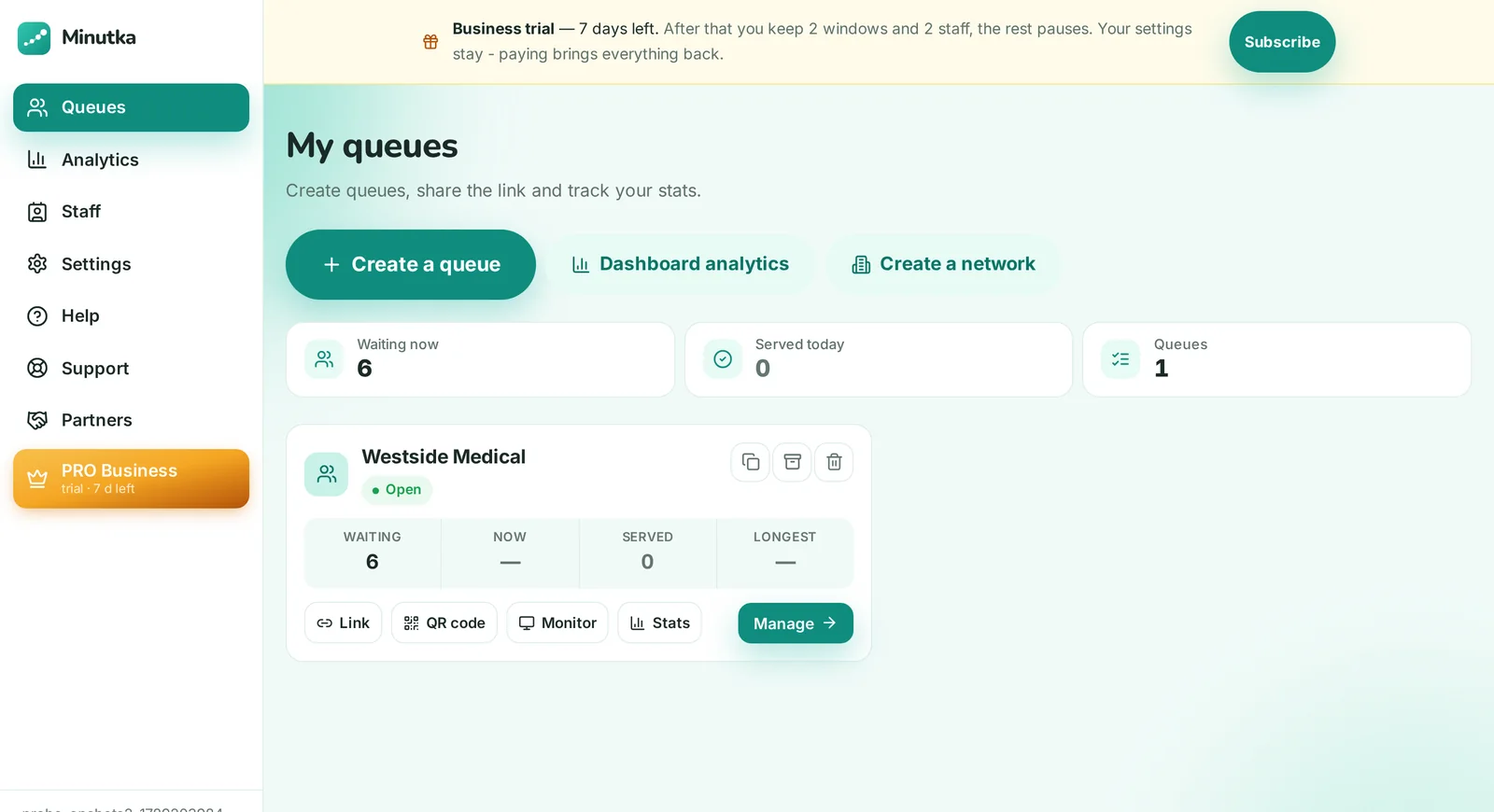
Real screens, not mockups: a live queue at a clinic with five people waiting.


Common questions
Neither. Visitors take a ticket on their own phone by scanning a QR code, and the board is a link you open on any TV or tablet. If you do want a kiosk at the door, any tablet works, and it can print paper tickets.
No. On paid plans staff accounts are unlimited, and you pay for windows, the places where visitors are served at the same time. That is the main difference from seat-based pricing: a bigger team does not mean a bigger bill.
For a single branch, yes: services with routing to the right counter, boards with voice call-ups, staff roles with PIN sign-in, appointments and analytics by counter and person. For a network of branches there is the Business Pro plan with an open API and combined analytics.
There is nothing to migrate on the visitor side: your queue starts empty every day anyway. Create a queue, print the QR poster, open the board on any screen. Most places are running the same afternoon, and you can keep the old system live for a week and compare.
The free plan has no monthly cap on how many people take a ticket: unlimited queues, up to two windows per account and two staff members per queue, notifications via Telegram and browser push, a display board with voice call-ups, a kiosk and daily stats. Business is $49 a month for 10 windows and adds unlimited staff, services with routing, appointments, your own branding, board media and analytics. Business Pro is $79 a month for 30 windows and adds Excel export, forecasting, several branches under one roof, an open API and webhooks. Extra windows are added one at a time: you pay for windows, not for locations, queues or visitors.
Try it on one real line
Free, no signup. Keep your current system running and compare for a week.
Create a queue