 Minutka
A Qmatic alternative for sites without a hardware budget
Qmatic is one of the established names in queue management: Orchestra installed on premises for complex, multi-branch organisations, Qmatic Cloud as a service, certified kiosks and signage, and a partner network that installs it. For a government agency or a bank with many branches that is often the right answer. For a single office, the project, the hardware and the partner quote can cost more than the problem.
Qmatic is an enterprise queue vendor: Orchestra is installed on your own servers, Qmatic Cloud is its hosted platform, certified kiosks and displays come from Qmatic and its partners, and there are no prices on its website. Minutka publishes its price (free for one or two desks, $49 a month for 10 windows), runs in any browser and needs no hardware or installer.
Side by side
Qmatic does not publish prices; its website offers a demo, a sales contact, a partner directory and a store for certified hardware. Checked in November 2026 on qmatic.com. Ask Qmatic or a local partner for a quote.
Where Qmatic is the better choice
If any of these matter to you, stay with them. A queue you fight with costs more than the subscription.
Runs on your own servers
Orchestra can be installed on premises, which some banks and public bodies require. Minutka is a cloud service only, with no version you can host yourself.
Certified hardware and installers
Kiosks, ticket printers and signage tested with the software, installed and serviced by a local partner. We leave hardware to you.
Proven at large scale
Agencies, universities, banks and telecom operators run on Qmatic, with the procurement paperwork and references that such buyers ask for.
Where Minutka fits better
The price is on the page
You know what it costs before anyone calls you. No discovery call, no partner quote.
No hardware to buy
A QR poster, the visitor’s phone and a TV you already own do the job of a kiosk and a display.
Live today
No project plan and no installer: create the queue, print the poster, open the board.
What it looks like
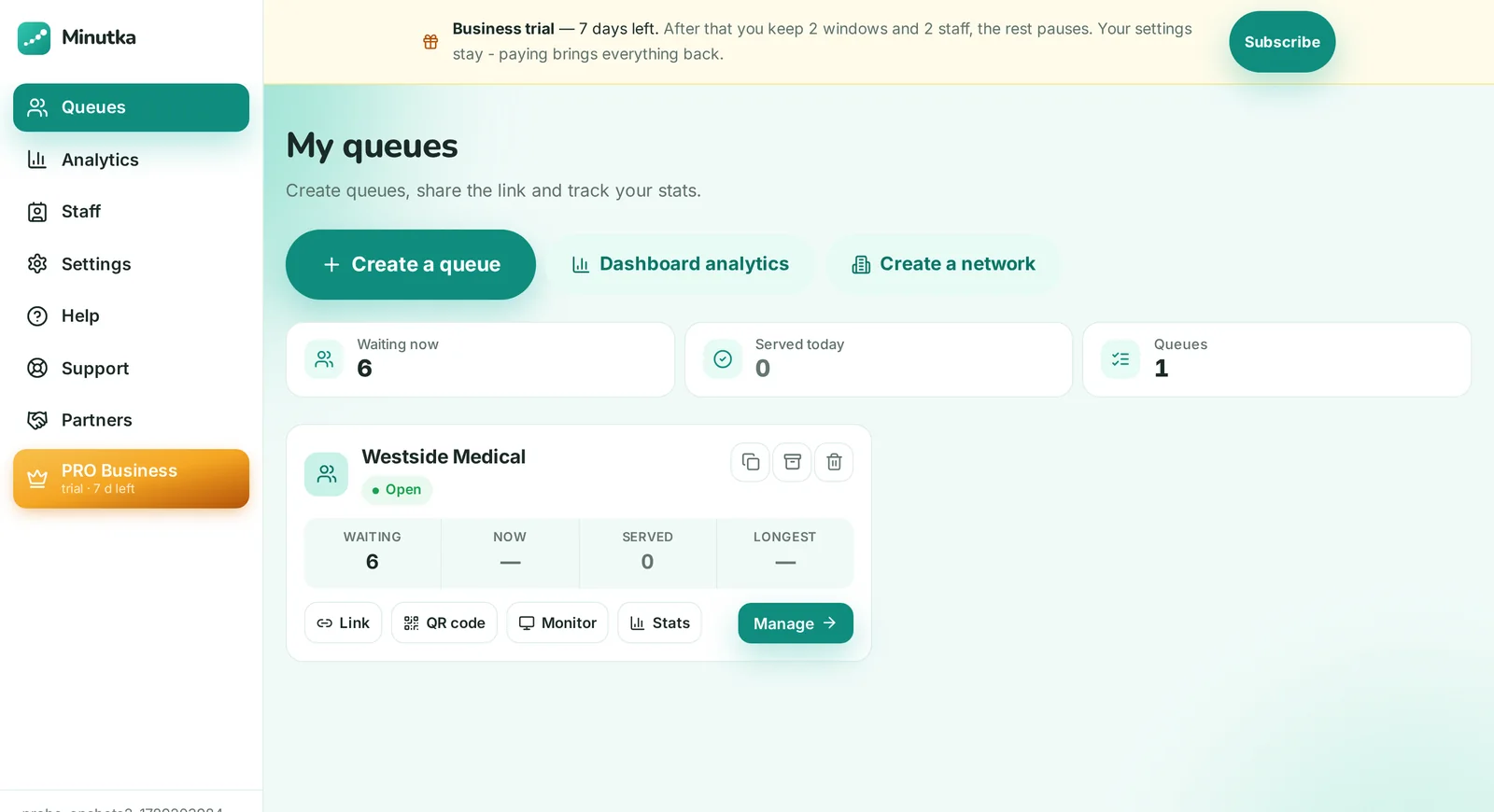
Real screens, not mockups: a live queue at a clinic with five people waiting.


Common questions
No. Minutka runs only as a cloud service, and there is no on-premises version. If your rules require hosting on your own servers, Qmatic Orchestra or a similar enterprise product is the right choice.
Yes. Any tablet works as a kiosk and can print paper tickets. On the Business plan a thermal printer can print tickets silently through a small agent on the computer it is connected to.
There is nothing to migrate on the visitor side: your queue starts empty every day anyway. Create a queue, print the QR poster, open the board on any screen. Most places are running the same afternoon, and you can keep the old system live for a week and compare.
The free plan has no monthly cap on how many people take a ticket: unlimited queues, up to two windows per account and two staff members per queue, notifications via Telegram and browser push, a display board with voice call-ups, a kiosk and daily stats. Business is $49 a month for 10 windows and adds unlimited staff, services with routing, appointments, your own branding, board media and analytics. Business Pro is $79 a month for 30 windows and adds Excel export, forecasting, several branches under one roof, an open API and webhooks. Extra windows are added one at a time: you pay for windows, not for locations, queues or visitors.
Try it on one real line
Free, no signup. Keep your current system running and compare for a week.
Create a queue